
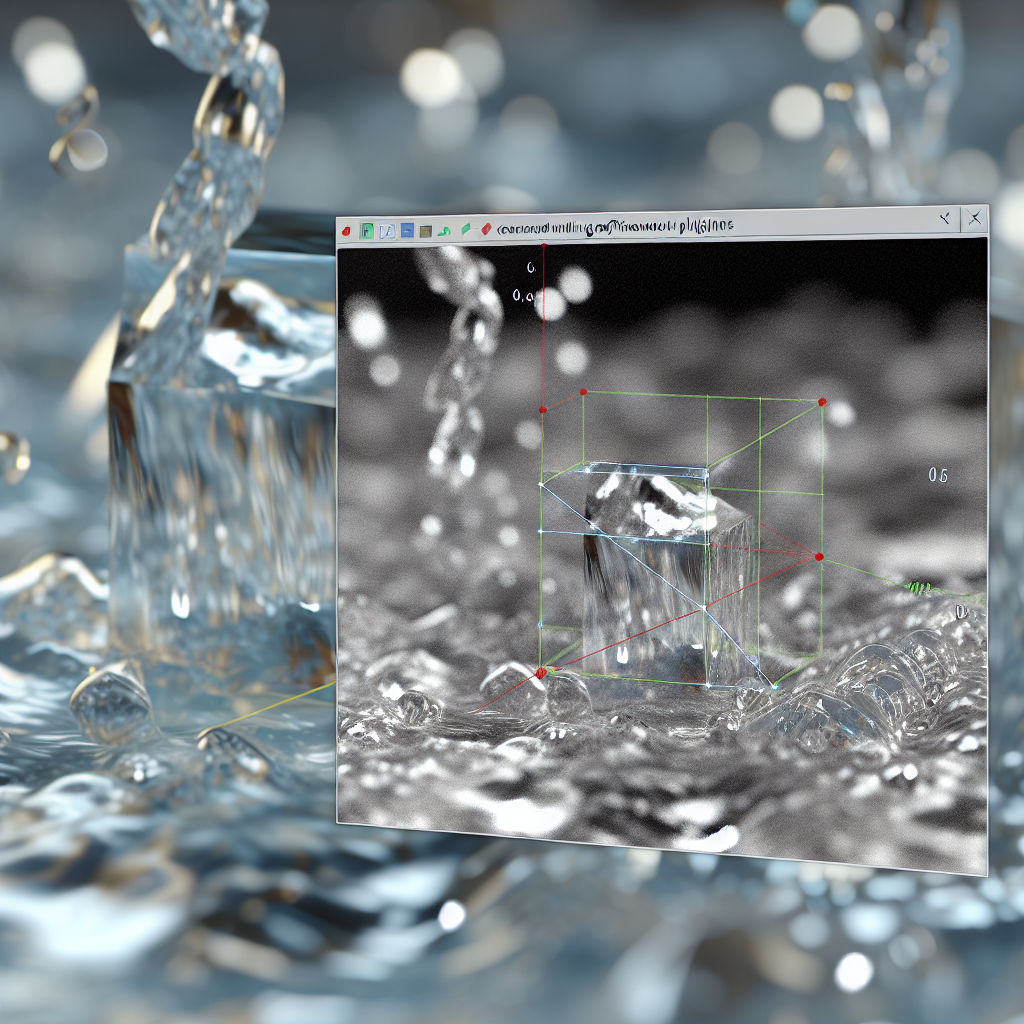
Creating realistic water simulations in 3Ds Max without relying on third-party plugins is entirely achievable through built-in tools and techniques. This guide will walk you through practical steps to craft convincing water effects, perfect for enhancing your 3D scenes without extra costs or complex add-ons.
Understanding Water Physics and Creating Basic Water in 3Ds Max
Before diving into scene creation, it is essential to understand the fundamental principles of water behavior. **Water is a dynamic, fluid substance** with properties such as surface tension, reflection, refraction, and interaction with objects. In 3Ds Max, achieving realistic water effects without plugins involves leveraging built-in modifiers and materials to mimic these behaviors.
The process typically begins with modeling the water surface. Use a simple plane or a grid mesh, subdivided enough to deform smoothly, and assign it a material that simulates water’s appearance. The **Gradient Ramp** in conjunction with **Reflective, Refractive, and Fresnel effects** can help simulate water’s optical qualities. To create realistic movement, **displacement maps and noise modifiers** can be applied to animate the surface subtlety.
Animating Water with Built-in Tools and Techniques
To simulate water motion, utilize 3Ds Max’s native features, such as:
- Noise Modifier: Apply to your water mesh to create surface ripples and waves. Fine-tune the intensity and scale for natural results.
- Wave or Displace Modifiers: Use these to generate larger wave movements, adjusting parameters to control the height, speed, and direction of the waves.
- Animation of UVs and Map Coordinates: Animate the UVW mapping and procedural maps to create flowing water effects without complex simulations.
For more advanced water effects, such as splashes or foam, combining animated displacement maps with particle systems (like **Particle Flow**) can significantly enhance realism, all without external plugins. Carefully timing the interactions between water and objects in the scene creates convincing interactions and enhances immersion.
Conclusion
Creating water simulations in 3Ds Max without plugins relies on understanding water physics and creatively leveraging the built-in tools like modifiers, materials, and procedural maps. By modeling the surface, employing noise and displacement techniques, and animating these elements effectively, you can achieve realistic water effects suitable for any project. Mastering these techniques allows for cost-effective, efficient scene creation while delivering impressive visual results.