
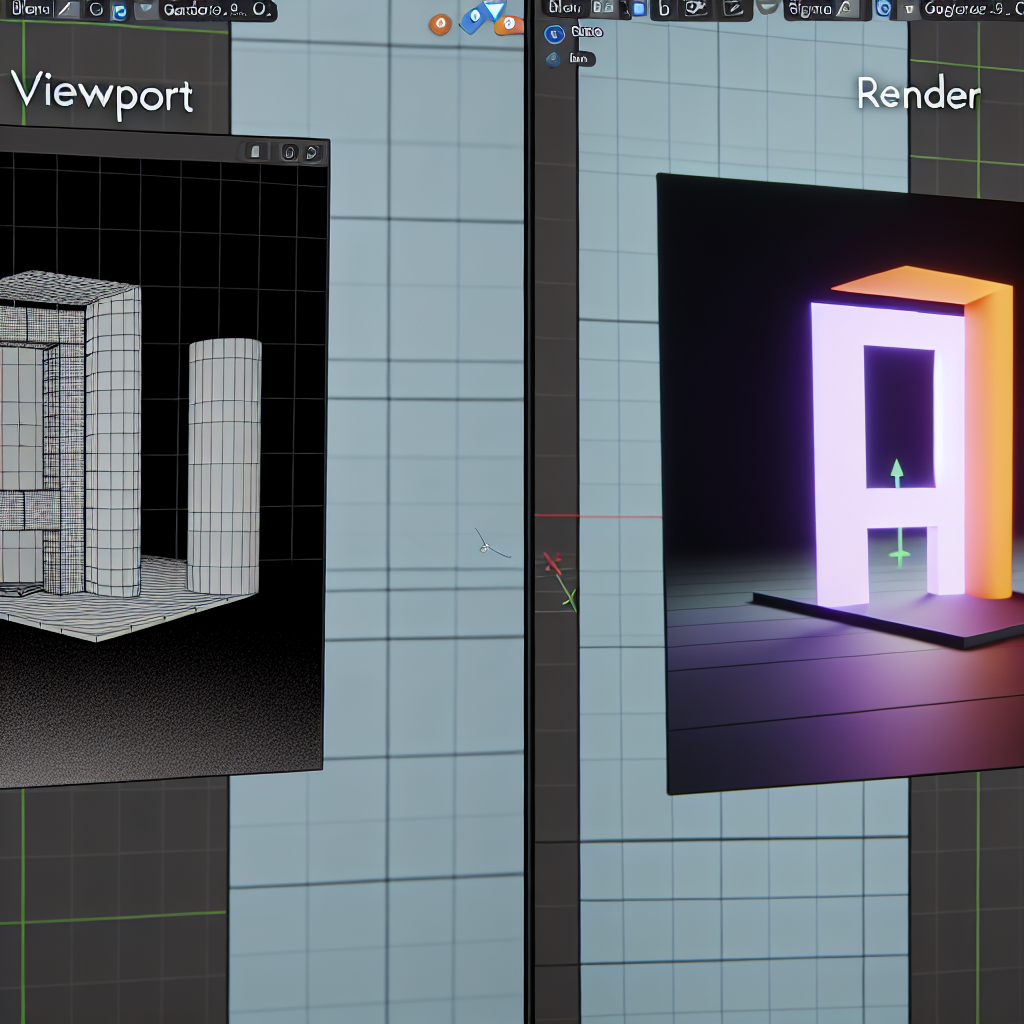
Understanding the distinction between viewport and render is essential for 3D artists working in Blender. While both play critical roles in the creation process, they serve different purposes and involve unique settings that affect how your scene appears during workflow and final output. In this article, we will explore the differences, usage, and best practices for managing viewport and render in Blender 3D, especially relevant for CGI, 3D animation, and Blender enthusiasts.
Understanding the Roles of Viewport and Render
At the core of 3D visualization workflows in Blender are two key concepts: Viewport and Render. The Viewport refers to the real-time visual interface within Blender where you interact with your scene. It offers instant feedback as you manipulate objects, materials, lighting, and camera angles. The Render, on the other hand, is the process of generating a high-quality image or animation from your scene, often involving complex calculations like ray tracing, global illumination, and shading algorithms for photorealistic results.
Differences, Settings, and Best Practices
While the viewport provides speedy feedback and helps in scene setup and animation tweaking, it does so with lower-quality settings that prioritize speed over realism. Common viewport features include:
- Shading modes: Solid, Material Preview, and Rendered view, which influence how materials and lights are displayed in real-time.
- Real-time rendering engines: Such as Eevee, which simulate lighting and shaders efficiently for quick feedback but are not as physically accurate as final renders.
In contrast, the render uses render engines like Cycles for photorealistic results, employing high-quality settings such as ray tracing, noise reduction, and detailed lighting calculations. These settings, including resolution, sampling, and denoising, are tuned to produce the final output and often require significant time to complete. It is vital for artists to understand:
- How to optimize viewport shading to efficiently preview scenes without overloading hardware.
- How to balance render settings for quality and efficiency, especially when working on animations where time is a constraint.
Effective management of viewport and render settings can vastly improve workflow productivity and final image quality, making this understanding indispensable for CGI artists and 3D animators in Blender.
Conclusion
In summary, the viewport is your interactive workspace that offers real-time previews with faster performance, whereas the render generates the high-quality image or animation you will showcase. Mastering the distinctions and optimal settings for each can greatly enhance your Blender projects, ensuring a more efficient workflow and stunning final results. Whether you’re refining your scene or baking the final shot, understanding the viewport versus render workflow is essential for every 3D artist working in CGI and animation.