
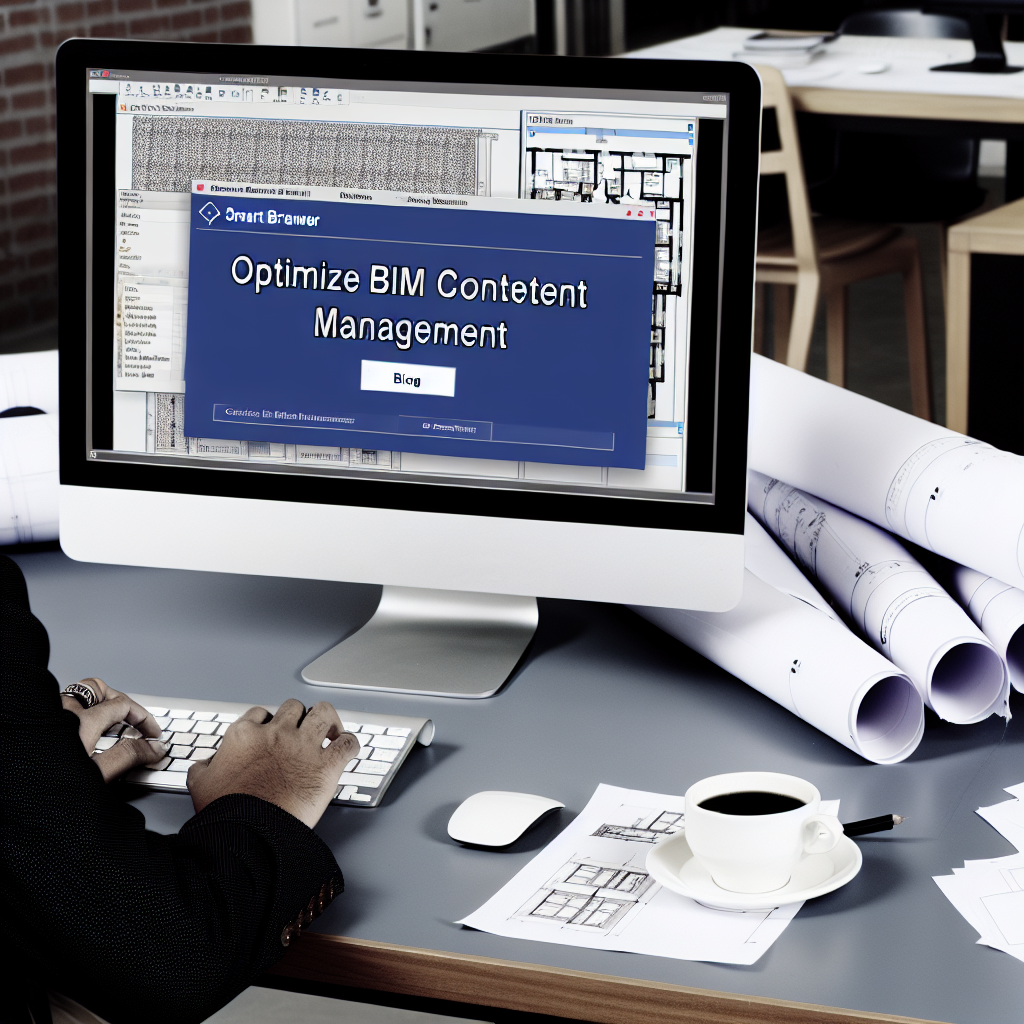
Effective management of BIM content and Revit family libraries is crucial for increasing productivity, reducing errors, and streamlining project workflows. Leveraging innovative tools like the Smart Browser can significantly enhance how professionals organize, access, and utilize Revit components. In this article, we explore strategies to optimize BIM content management with Smart Browser for a more efficient Revit experience.
Streamlining Revit Content with the Smart Browser
The Smart Browser is a cutting-edge tool designed to revolutionize how Revit users manage family libraries and BIM content. Unlike traditional browser panels, the Smart Browser offers a dynamic, intuitive interface that consolidates all content sources into a single, easy-to-navigate platform. Its key features include real-time filtering, intelligent search, and categorization that adapts to project-specific needs.
By integrating the Smart Browser into your workflow, you can drastically reduce time spent searching for families and components. It allows you to categorize your library intelligently, tag parameters efficiently, and access content swiftly, all without disrupting your modeling environment. This seamless integration promotes consistency in content and minimizes the risk of using outdated or incorrect families. For firms managing large libraries, the Smart Browser can be customized to include custom categories, supporting a more organized and standardized BIM process.
Further, the Smart Browser enhances collaboration among team members by enabling centralized management of Revit families. Administrators can update libraries across multiple projects, ensuring everyone accesses the latest versions. This reduces redundancy and eliminates discrepancies that often occur with manual updates, ensuring project integrity and saving valuable time.
Best Practices for Effective BIM Content Management
Adopting best practices is essential for maximizing the potential of tools like the Smart Browser. Start by standardizing your family library structure—create clear naming conventions and categorization systems aligned with project requirements. Regularly review and clean your library, removing outdated or duplicate families to maintain organization and improve efficiency.
Leverage the Smart Browser’s meta-tagging capabilities to enhance searchability. Tag families with relevant parameters such as size, material, or manufacturer, enabling quick retrieval during project iterations. Additionally, integrate version control within your library to track updates and revisions, preventing the accidental use of obsolete content. Training team members on these protocols encourages consistency and optimizes overall BIM workflows.
Furthermore, consider establishing a shared cloud-based repository linked to the Smart Browser. Cloud integration facilitates real-time access and updates, fostering collaboration regardless of geographical separation. Implementing these best practices helps in maintaining a dynamic, accessible, and reliable BIM content environment, ultimately leading to smoother project execution.
In conclusion, managing BIM content and Revit family libraries effectively is essential for modern architectural and engineering workflows. The Smart Browser offers a powerful solution to streamline library organization, improve search efficiency, and foster collaboration. By adopting best practices and leveraging this innovative tool, firms can significantly enhance productivity, consistency, and project outcomes, making BIM content management a strategic advantage.