
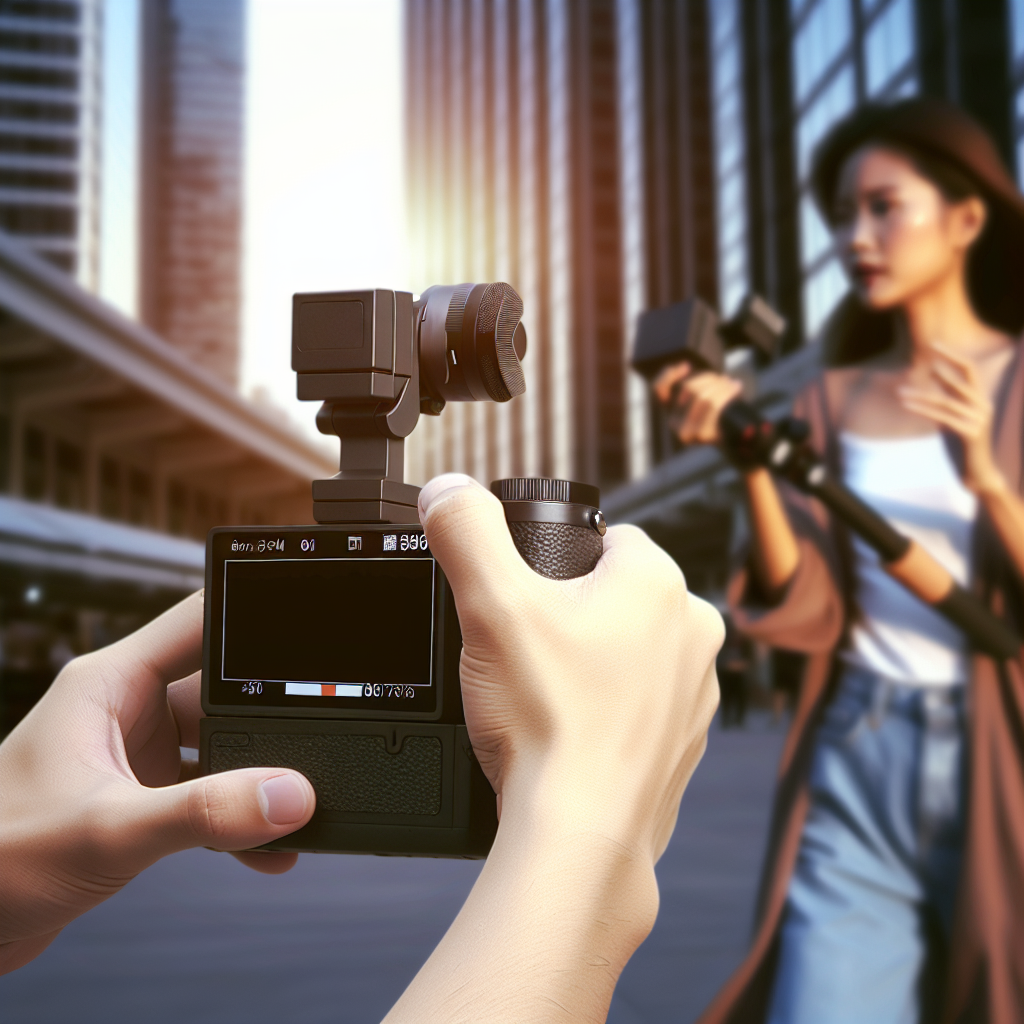
Are you looking to elevate your content creation with minimal effort? The Osmo Pocket 3 offers innovative features that can significantly improve your videography and photography experience. In this article, we will explore a quick yet transformative tip that can change how you film on the go, making every shot more professional and smooth.
Mastering the Intelligent Scene Tracking for Seamless Filming
One of the most impressive features of the Osmo Pocket 3 is its advanced Intelligent Scene Tracking. While many users are aware of this feature, few realize the full potential it holds with proper utilization. Instead of manually adjusting your camera angle or worrying about stability, scene tracking uses AI to automatically follow subjects, ensuring they stay perfectly framed. To maximize this feature, ensure your subject is well-lit and positioned within the camera’s frame before starting to record. Tap the object or person on your screen to activate tracking, and let the Osmo Pocket 3 do the rest. This small but powerful tip results in smoother, more professional footage during dynamic shots like sports, dance, or travel adventures, saving you editing time later.
Enhancing Your Content with Optimized Camera Settings
Once you’ve harnessed the power of scene tracking, it’s essential to optimize your camera settings for different shooting environments. The Osmo Pocket 3 provides a variety of modes like HDR, Pro mode, and different frame rate options. A quick tip is to customize your shooting profiles based on your environment. For instance, in bright outdoor conditions, switch to a lower ISO and higher shutter speed to reduce noise and motion blur. Conversely, indoors or low-light scenes benefit from increased ISO and usage of HDR mode for richer detail. Combining proper settings with scene tracking allows for consistent, high-quality footage, regardless of conditions. Experiment with these adjustments to discover what best suits your style and environment, transforming ordinary shots into cinematic visuals.
In conclusion, leveraging the Osmo Pocket 3’s advanced scene tracking combined with customized camera settings can truly revolutionize your filming experience. By understanding and utilizing these features effectively, you’ll produce smoother, clearer, and more dynamic videos effortlessly. Start applying these quick tips today, and watch your content stand out with professional-grade quality—making your filming not just easier, but also more impactful.