
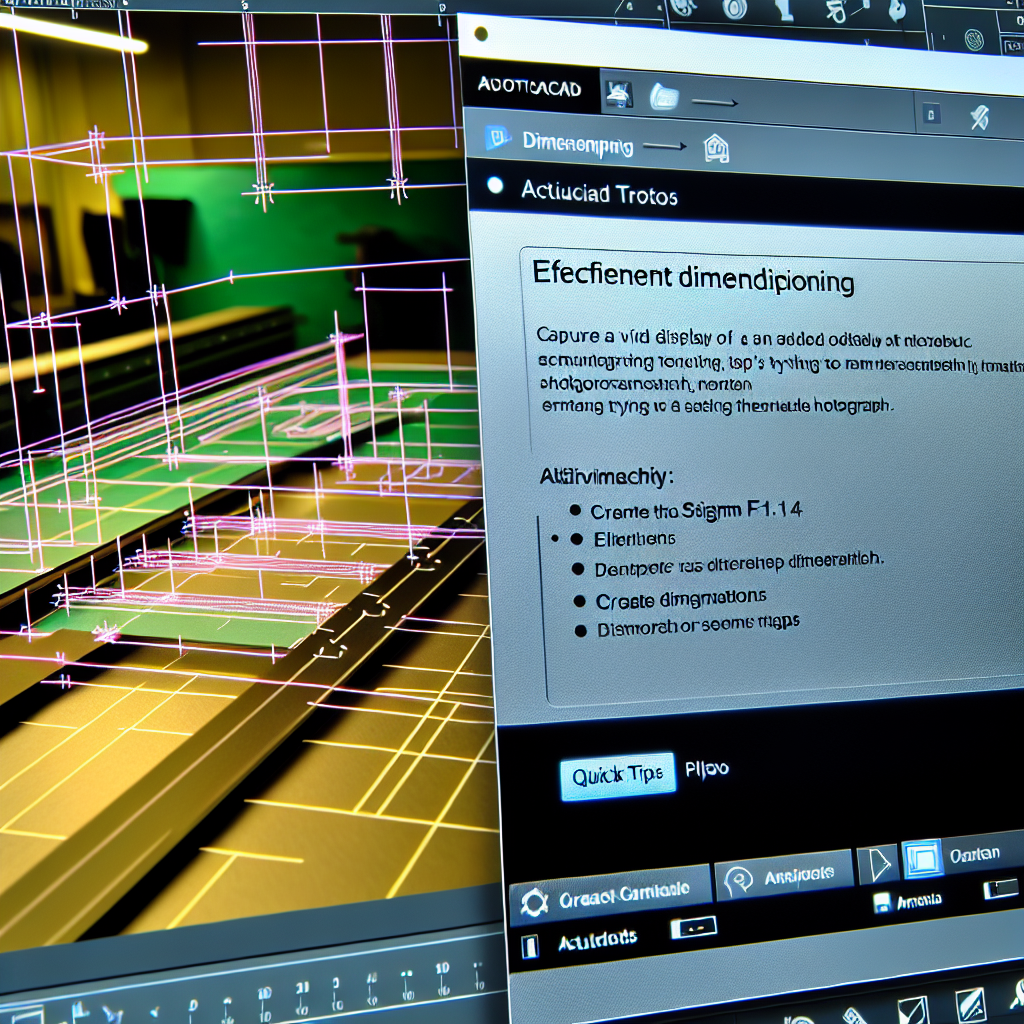
Efficient dimensioning in AutoCAD is essential for producing precise and professional drawings while saving time. Mastering quick tips can significantly streamline your workflow, ensuring accuracy and clarity in your designs. In this article, we will explore practical strategies to enhance your dimensioning efficiency, making your AutoCAD projects more productive and error-free.
Utilize Object Snaps and Settings for Precision
One of the fastest ways to improve your dimensioning efficiency is by leveraging AutoCAD’s Object Snap (OSNAP) features. These options allow you to snap exactly to specific points such as endpoints, midpoints, centers, or intersections, reducing the need for manual corrections and increasing accuracy. To maximize this, ensure Object Snap is activated via the status bar or by pressing F3.
Moreover, customizing your Object Snap settings can further streamline your workflow. For example, enabling Multiple Object Snaps allows you to select various snap points quickly without toggling options repeatedly. This reduces disruptions and speeds up the process of placing dimensions with high precision.
Implement Dimlinear and Quick Dimensioning Techniques
AutoCAD offers various dimensioning commands, but for quick, efficient work, utilizing Dimlinear and the Quick Dimension tools can be highly effective. The DIMLINEAR command is ideal for straightforward horizontal or vertical measurements, while the Quick Dimension tool (accessed via the toolbar or shortcut QDIM) allows you to select objects directly, automatically placing dimensions that are aligned and neatly spaced.
To further accelerate your workflow, consider customizing dimension style settings to suit your project’s standards. Adjust parameters such as arrow size, line extension, and text placement permanently within your style templates. This consistency ensures your drawings are both quick to produce and professional-looking without the need for constant adjustments.
Conclusion
In summary, mastering efficient dimensioning in AutoCAD involves leveraging Object Snaps for precision and utilizing quick dimensioning tools like Dimlinear and QDIM. Customizing dimension styles and settings can also save significant time while maintaining consistency. Implementing these tips will streamline your drafting process, boost accuracy, and enhance the overall quality of your AutoCAD projects, making your workflow more effective and professional.