
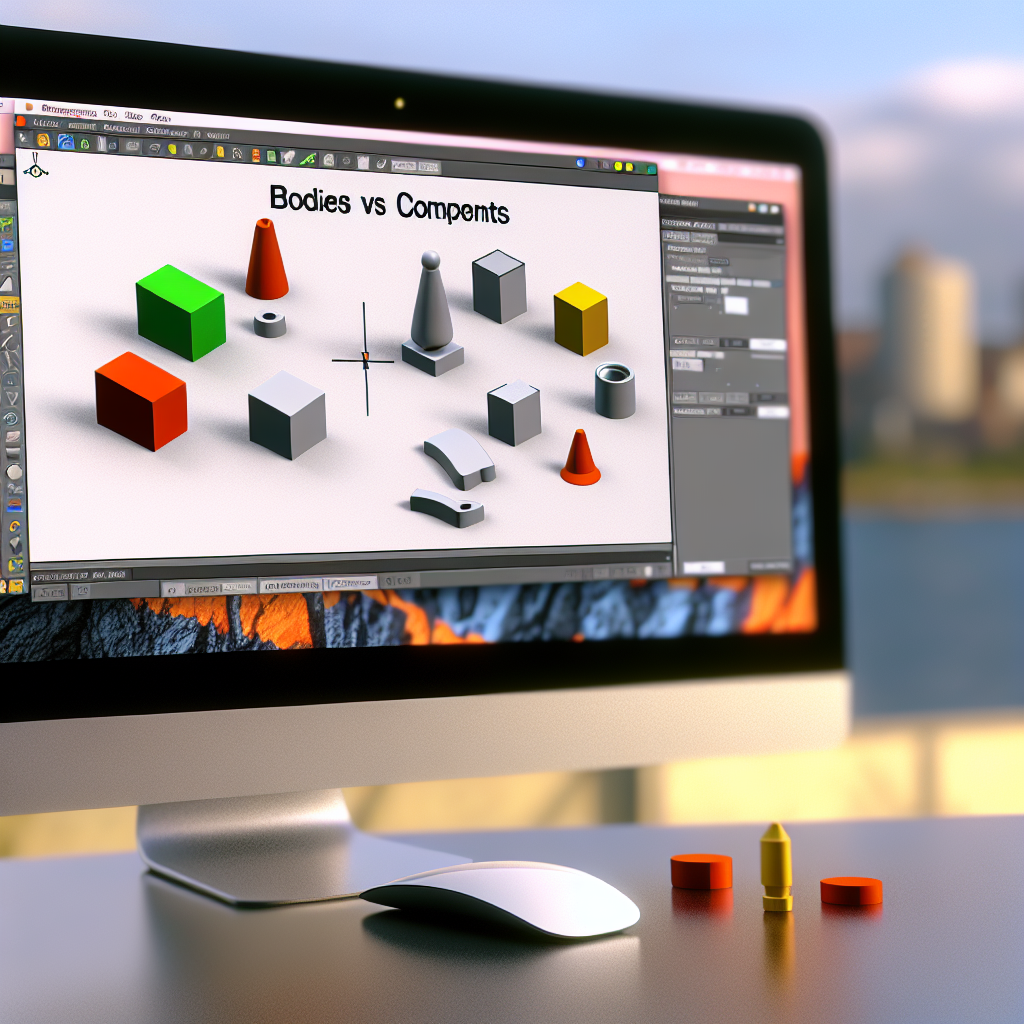
Understanding the difference between bodies and components in Autodesk Fusion 360 is fundamental for efficient design workflows. This article explores how these core concepts function within Fusion 360, their practical applications, and how leveraging them effectively can optimize your design process for complex projects.
Understanding Bodies and Components: Foundational Concepts in Fusion 360
Fusion 360 is a powerful CAD tool that organizes design data using bodies and components. At a high level, bodies are the individual solid geometries created within a design, serving mainly as the core 3D shapes that form the physical aspects of your model. In contrast, components represent separate parts or sub-assemblies within the entire design, acting as containers that can include multiple bodies, sketches, and other elements.
This fundamental distinction influences not only how designs are modeled but also how they are managed and prepared for manufacturing, assembly, and collaboration. Understanding when to use bodies versus components enables more organized and flexible workflows, especially in complex assemblies.
The Practical Importance and Workflow Implications
In practical terms, working with bodies is ideal for simple shapes or within a single part environment where the focus is on creating and modifying a single geometry. Bodies are easily manipulated—transformed, cut, or combined—without affecting other parts of the model. For example, when designing a single gear or a simple bracket, working directly with bodies is straightforward and efficient.
Conversely, components are essential for larger, multi-part assemblies. Each component can contain multiple bodies, sketches, and features, and they can be organized hierarchically. This allows for modular design, enabling you to modify individual components independently without disturbing the overall assembly. Additionally, components facilitate easier collaboration, as different team members can work on separate parts simultaneously, and allow for accurate simulation, visualization, and export of individual parts or assemblies.
Designing with components also provides better control over constraints, joints, and parametric relationships, which are vital for assembling complex mechanical systems. By shifting from bodies to components, users can manage complex projects more efficiently, ensuring each part’s integrity while maintaining an organized project structure.
Conclusion
In summary, grasping the core difference between bodies and components in Fusion 360 is crucial for effective 3D modeling and assembly management. Bodies serve as the primary geometric forms, ideal for simple designs, while components structure complex assemblies, enabling modularity, collaboration, and better control. Mastering these concepts empowers you to create precise, organized, and scalable designs, essential for professional engineering and manufacturing projects.