
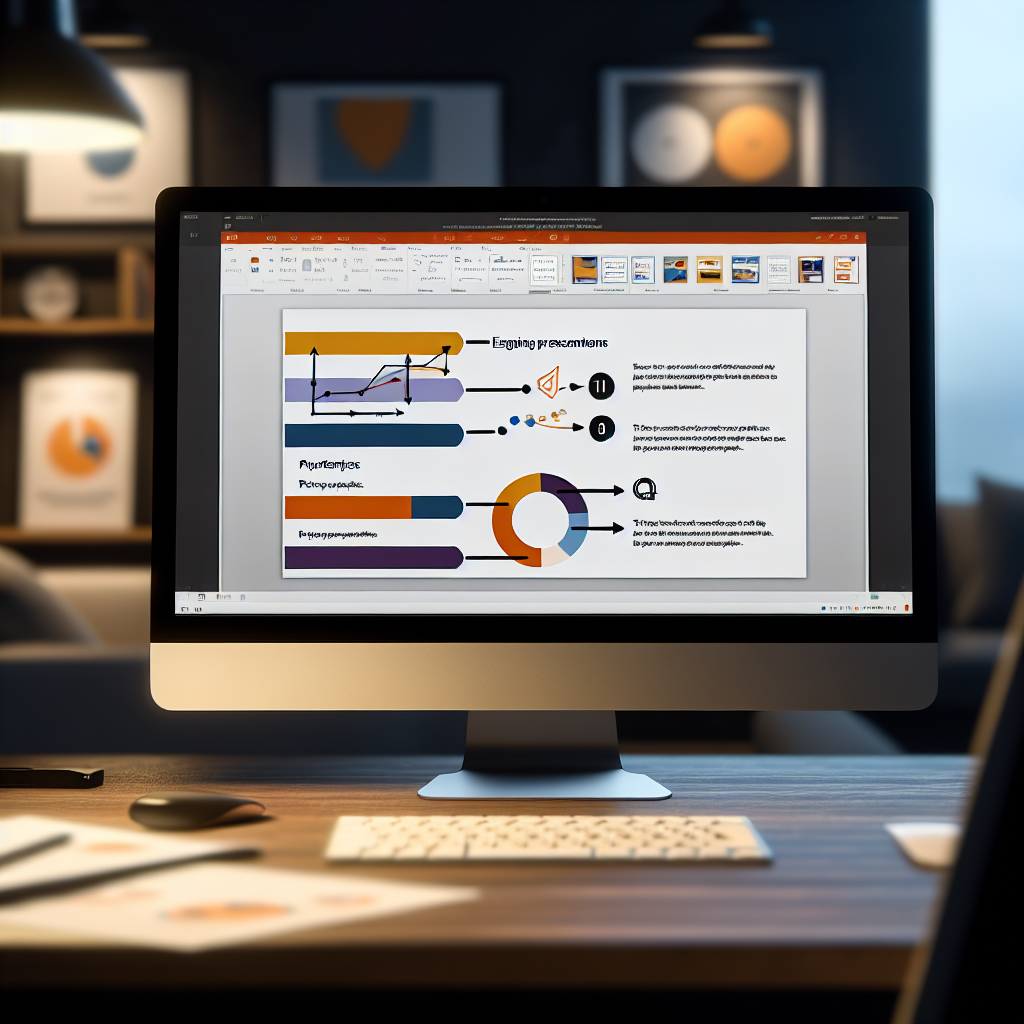
Mastering PowerPoint can significantly elevate your presentation skills, making your messages more engaging and memorable. Whether you’re a beginner or looking to refine your abilities, this guide will help you power up your PowerPoint skills with essential tips and techniques. Dive into these strategies to create compelling and professional presentations that leave lasting impressions.
Harnessing the Power of Visual Design and Multimedia
To truly stand out, your PowerPoint presentations should leverage compelling visual design principles and multimedia elements. Use high-quality images, icons, and consistent color schemes to create a cohesive look that supports your content. Incorporate multimedia such as videos, animations, and audio clips thoughtfully to captivate your audience and emphasize key points.
Best practices include:
- Applying the **Rule of Thirds** to layout slides for visual balance.
- Using **animations sparingly** to highlight critical information without overwhelming viewers.
- Embedding relevant videos or sound clips to illustrate complex concepts dynamically.
Advanced features like **SmartArt** and **chart tools** help you present data visually, making complex information easier to understand. Remember, consistency in font styles and sizes, along with ample white space, enhances readability and professionalism.
Mastering Presentation Delivery and Engagement Techniques
Creating an impressive PowerPoint is only part of the equation; delivering it confidently is equally important. Engage your audience by maintaining eye contact, using natural gestures, and varying your voice tone to keep attention. Utilize presenter tools like **Presenter View** to access notes and upcoming slides seamlessly, ensuring smooth delivery.
Key tips include:
- Practicing your presentation multiple times to ensure fluency and familiarity with your slides.
- Incorporating **interactive elements** such as polls or Q&A sessions to foster audience participation.
- Using **slide transitions and animations** judiciously to add polish, but avoiding overuse that can distract.
Furthermore, be prepared to adapt based on audience reactions, emphasizing clarity and pacing to maintain engagement throughout your presentation.
Conclusion
By mastering visual design techniques and enhancing your delivery skills, you can transform ordinary PowerPoint presentations into impactful visual stories. Focus on creating cohesive, visually appealing slides and engaging your audience confidently. Implementing these tips will help you become a more effective presenter and elevate your PowerPoint expertise to new heights.